

A practical guide to the best vibe coding tools in 2026, from full-stack app builders to IDE assistants.

Dan Cleary
Founder
January 22, 2026
Vibe coding tools are everywhere now.
The promise is simple: describe what you want in plain language, and AI generates the code. In practice, some tools deliver a polished prototype with little backend functionality wired up. Others give you a production-ready app with backend, auth, and deployment baked in.
Bottom line: The best vibe coding tool depends on your level of technical ability, workflow, and what you are trying to build. If you want to ship a real app that can actually generate revenue, pick a tool that can handle backend, auth, deployment, and can scale. If you want a lightweight, prompt-to-app experience in the browser, a different class of tools will be a better fit than IDE-centric solutions.
Best tool on web: Converge.run
Best IDE: Cursor
Best tool via terminal: Claude Code
Below is a single, opinionated list of the best AI app builders and AI-powered IDEs. I have personally tested each one in depth. Full side-by-side breakdowns are available here:
And yes, I am obviously biased.
Vibe coding is building software by describing intent in natural language and letting AI generate code, structure, and workflows.
I evaluated each tool on:
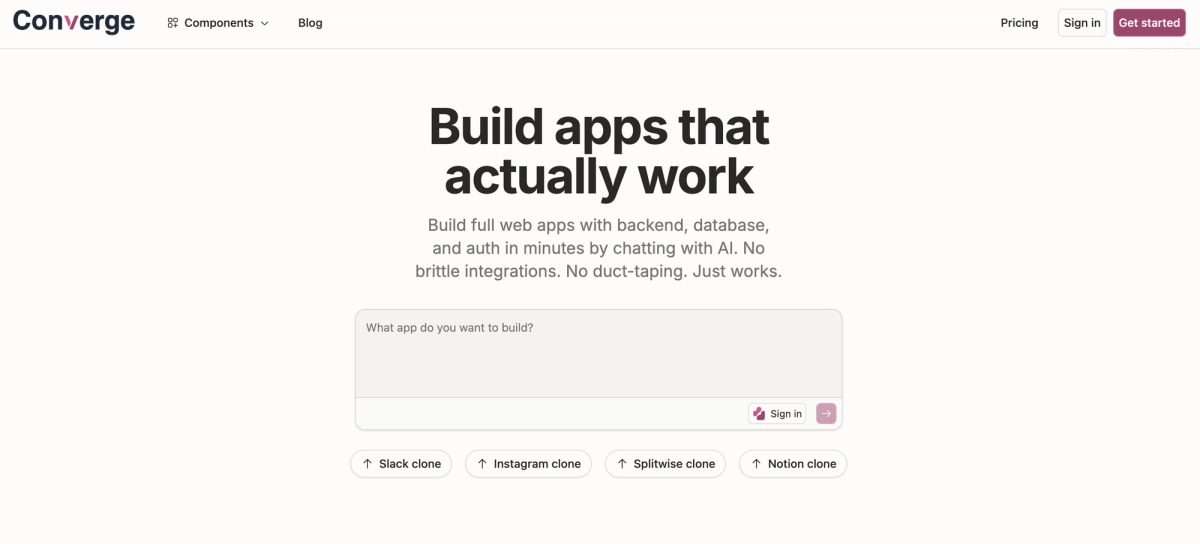
Best for: Production-grade apps with a real backend
Converge builds full-stack web apps from a prompt. Out of the box, every app includes a database, backend logic, authentication, real-time sync, and hosting.
Every app built with Converge runs on Convex, a modern backend designed to work reliably with AI agents. This results in fewer broken integrations and more predictable behavior as your application scales.
Pros
Cons
Best for: Coding via terminal
Claude Code is a CLI-first tool for coding with AI, and it's really taking over the industry recently. You can also access Claude Code in IDEs like Cursor and Opencode.
Claude Code is certainly geared more towards experienced developers who are comfortable working in a terminal.
Pros
Cons
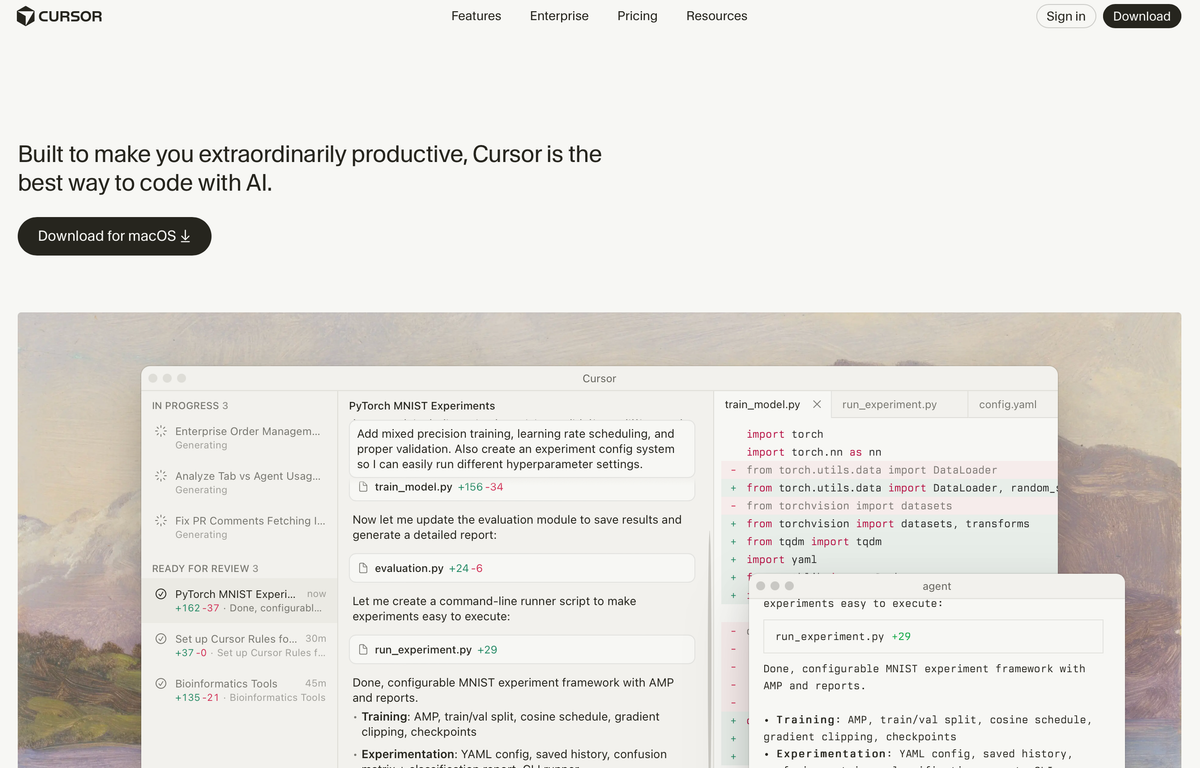
Best for: The best AI IDE, great for working in large repos with a larger technical team.
Cursor is an IDE built for professional developers. It's excellent at coding in general, refactoring, incremental edits, and larger, multi-file changes.
It's not an app builder. It's a tool for working with existing codebases faster.
Pros
Cons
Best for: AI-first IDE workflows
Antigravity is Google's take on an AI-native IDE. It's designed around AI-first coding flows and agent-based workflows.
Still early, but promising for developers who want to work inside an IDE with strong AI assistance. Plus, they are subsidizing usage big time.
Pros
Cons
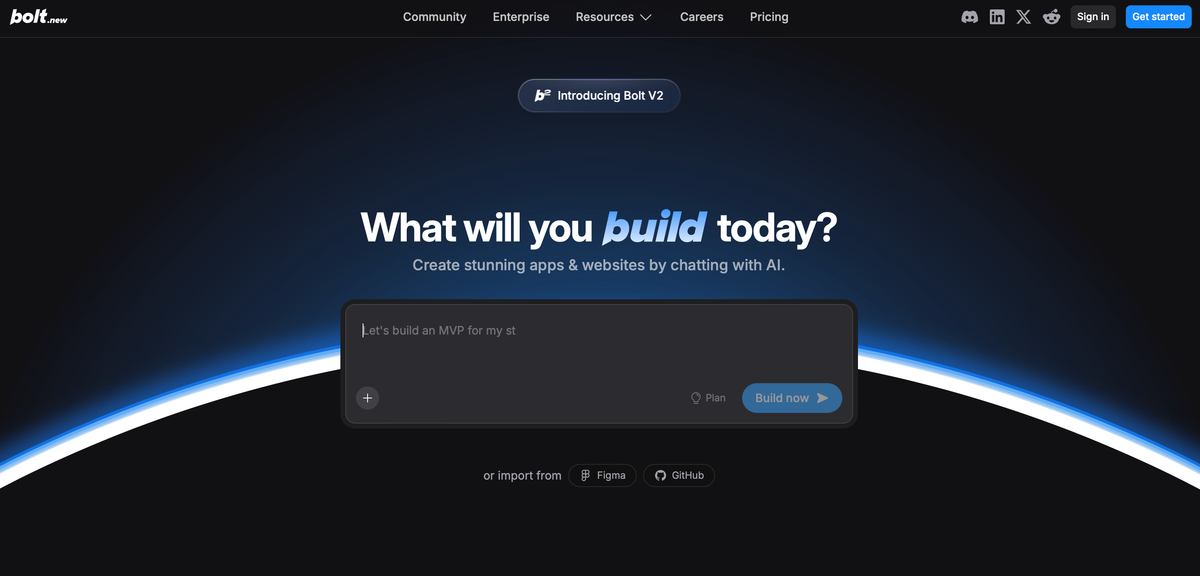
Best for: Rapid full-stack demos in the browser
Bolt lets you build full-stack apps directly in the browser. No local setup, no deployment hassle. It's fast and accessible. Bolt leverages web containers to make it feel very snappy when working in the browser.
I've tested Bolt a lot (see those head-to-head comparisons above), and it is solid at UI, but terrible at anything related to backend functionality (auth, file storage, basic database CRUD).
Pros
Cons
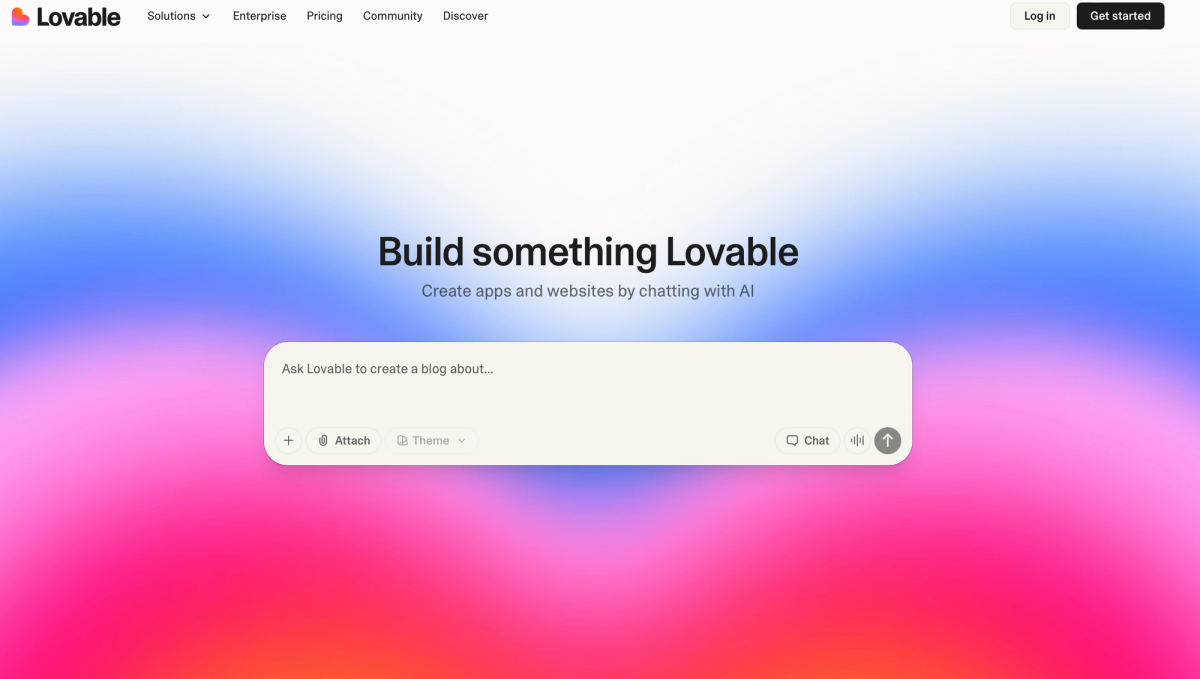
Best for: Fast app prototypes and internal tools
Lovable falls into a similar bucket as Bolt. Both tools are accessible via the browser and don't require any technical ability. Lovable can spin up UI quickly, but also struggles with backend functionality.
The UX is friendly, and iteration feels smooth.
Pros
Cons
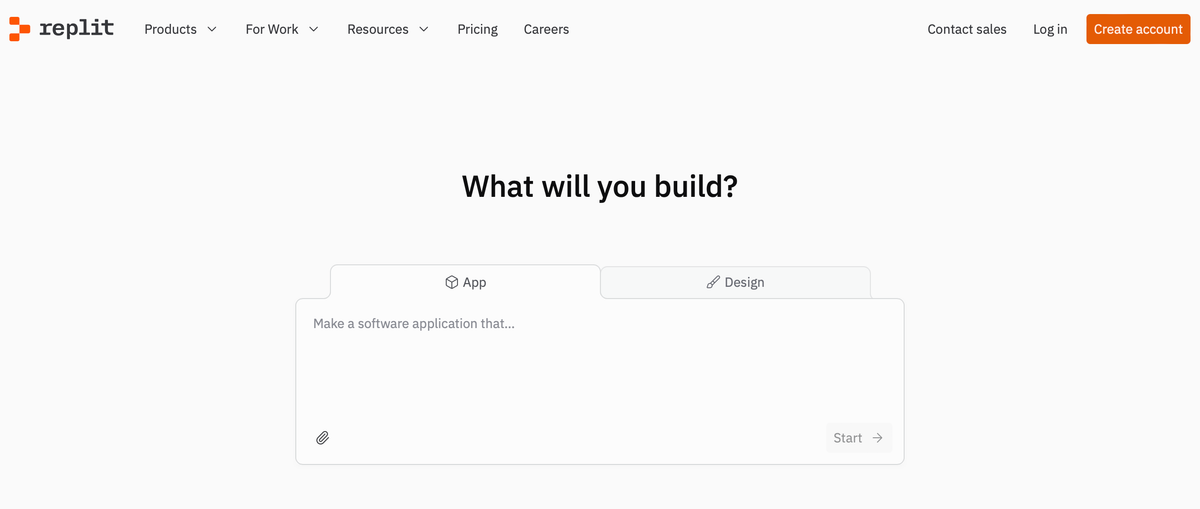
Best for: AI-assisted dev plus hosting
Replit has changed a lot and looks more like a typical vibe-coder these days. That being said, it can feel overwhelming and overly-technical.
Functionally, it can build better apps than Lovable and Bolt sometimes, but only sometimes. Often, it will take longer and be an order of magnitude more expensive.
It's less of a pure "app builder" and more of an AI-powered dev environment.
Pros
Cons
It really depends on your use case and workflow. The choice is less about whether you are an engineer and more about how you want to build and what you are trying to ship.
If you want to quickly build and iterate on full applications directly in the browser, Converge is the best fit.
If you prefer working inside a traditional IDE with AI assistance layered on top, Cursor is a strong option.
And if you favor a terminal-first, command-driven workflow, Claude Code is likely the better choice.
Converge is designed for users and teams that want to easily build apps via prompting with a backend that will actually work and scale effortlessly. AI-assisted building *and* a real backend.
If you're building something that needs to work beyond a demo, Converge is built for that.
Are vibe coding tools only for non-developers?
No. Many teams use them to accelerate development, launch PoCs quickly, and ship fast.
Which vibe coding tool is best for teams?
Teams generally benefit most from full-stack builders with collaboration features and predictable outputs.
Happy building!